Skip to content
Gab AI

Use cases

Find a useful way to work with AI

Explore practical AI use cases for work, learning and everyday life. Find an example to adapt, from Bible study and homeschool planning to writing, coding, budgets and meal ideas.

Practical AI tasks to try

See what you can make and which inputs to bring. Open an example, then adapt its prompt to your own task.

From a quick question to an editable project

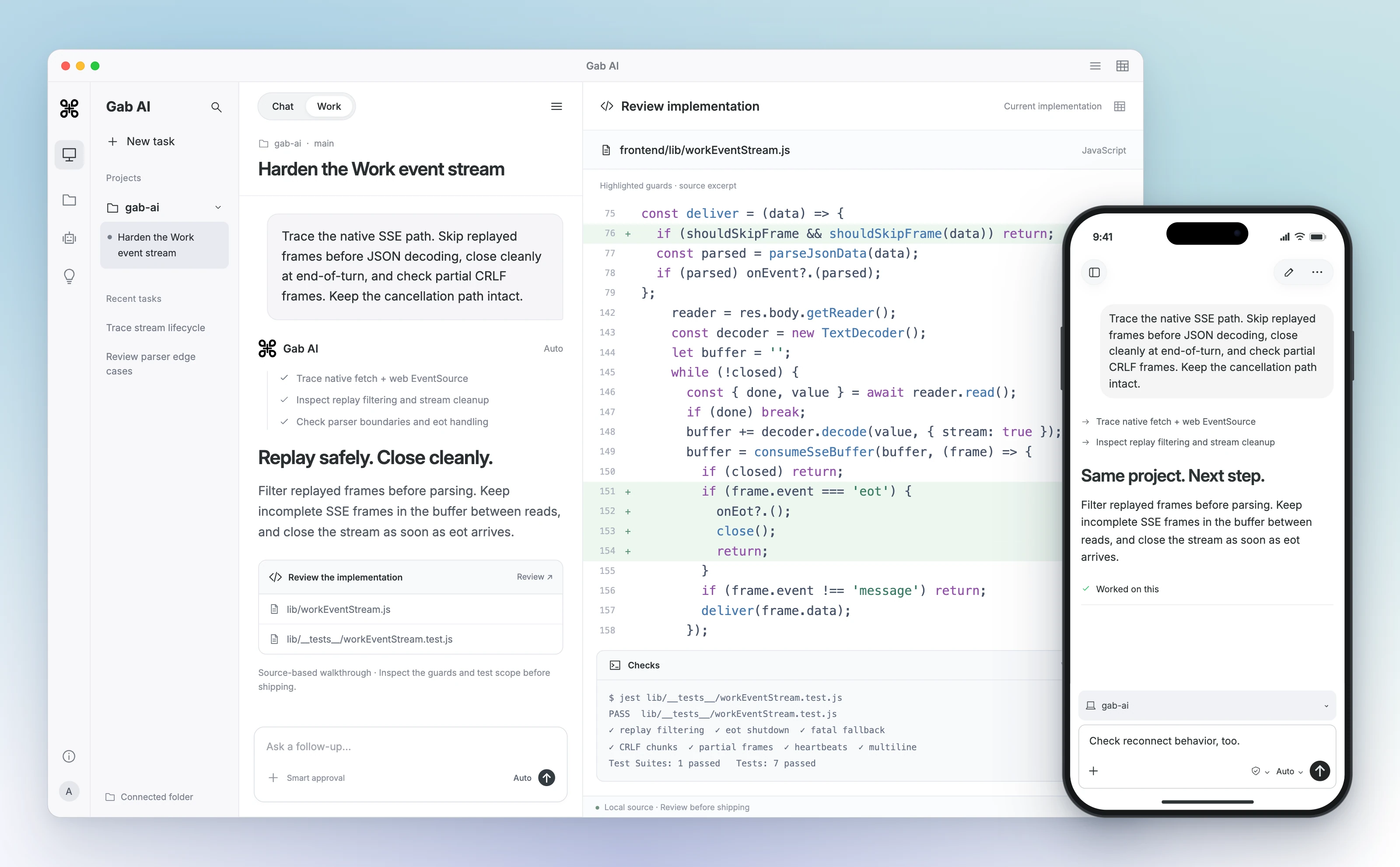
Use Chat for questions and text drafts, Work for editable projects, and generators for media settings.

All available use cases

Explore practical tasks, example inputs and ways to adapt the result.

Values and community

Business, sales and marketing

AI for Marketing Teams

Analyze campaign results, inspect qualitative market research and draft press announcements with Gab AI. Keep the sources, claims and approval decisions visible.

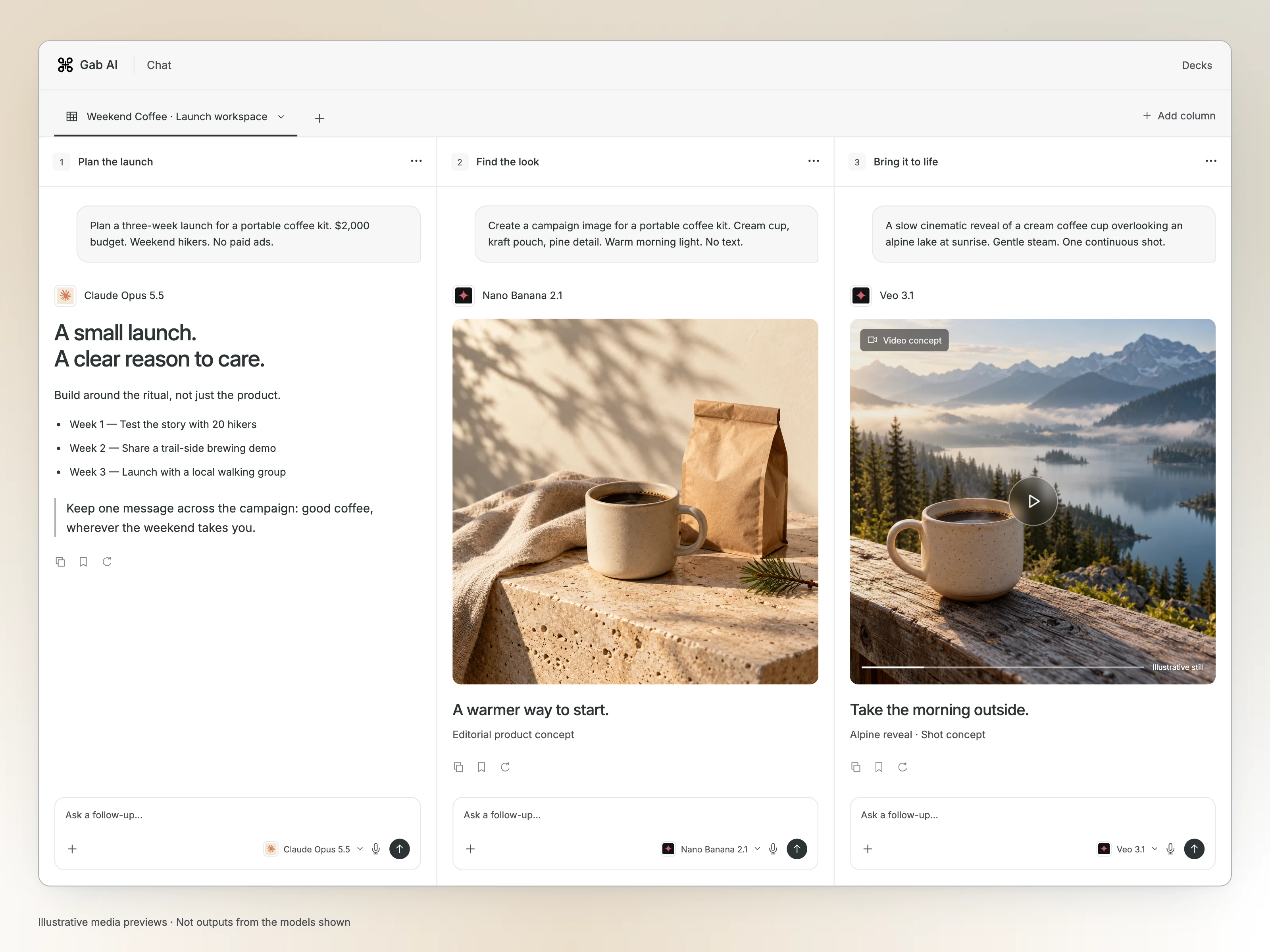
Plan a campaign

AI for Small Businesses

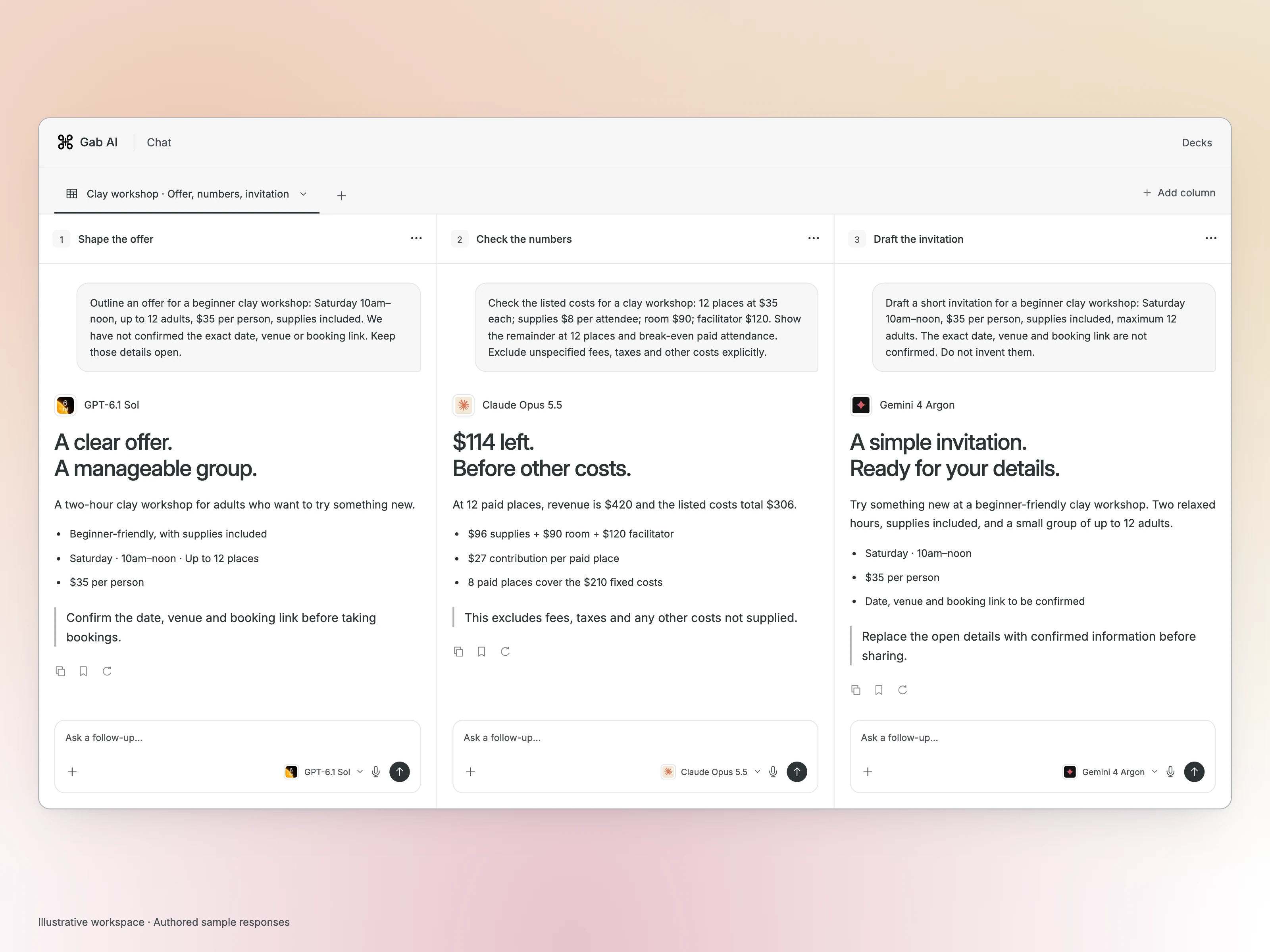
Compare business options, check workshop budgets and prepare customer materials with Gab AI. Trace costs to your inputs and keep approval decisions visible.

See business workflows

AI for Real Estate Agents

Draft listing descriptions and property brochures from approved facts, compare buyer options and prepare viewing follow-ups with sources you can check.

Prepare a property listing

AI for E-Commerce Sellers

Create product descriptions and product-page concepts from approved specifications, check catalog discrepancies and prepare customer care guides.

Create product content

AI for Sales Teams

Compare an approved technical offer, prepare a manager’s pipeline review and explain application documents without filling in missing commitments.

Prepare your next pitch

AI for Freelancers

Turn a client brief into a reviewable proposal, check the effort behind the estimate and explain a change before promising delivery.

Shape a client proposal

AI for Product Managers

Keep user feedback traceable, turn proposed behavior into acceptance checks and inspect a working prototype before making a product commitment.

Turn feedback into plans

AI for Creative Agencies

Create a visual pitch, connect deliverables to their production requirements and keep client changes tied to explicit approvals.

Develop a client pitch

Creative work

AI for Writers & Bloggers

Outline articles and blog posts in Chat, refine the wording in your voice and create editable drafts with source checks in Gab AI Work.

Find your next draft

AI for Photographers

Use permissioned photos to explore image edits in Chat. Build shot lists and client delivery guides in Work, then inspect every result yourself.

Refine your photos

AI for Content Creators

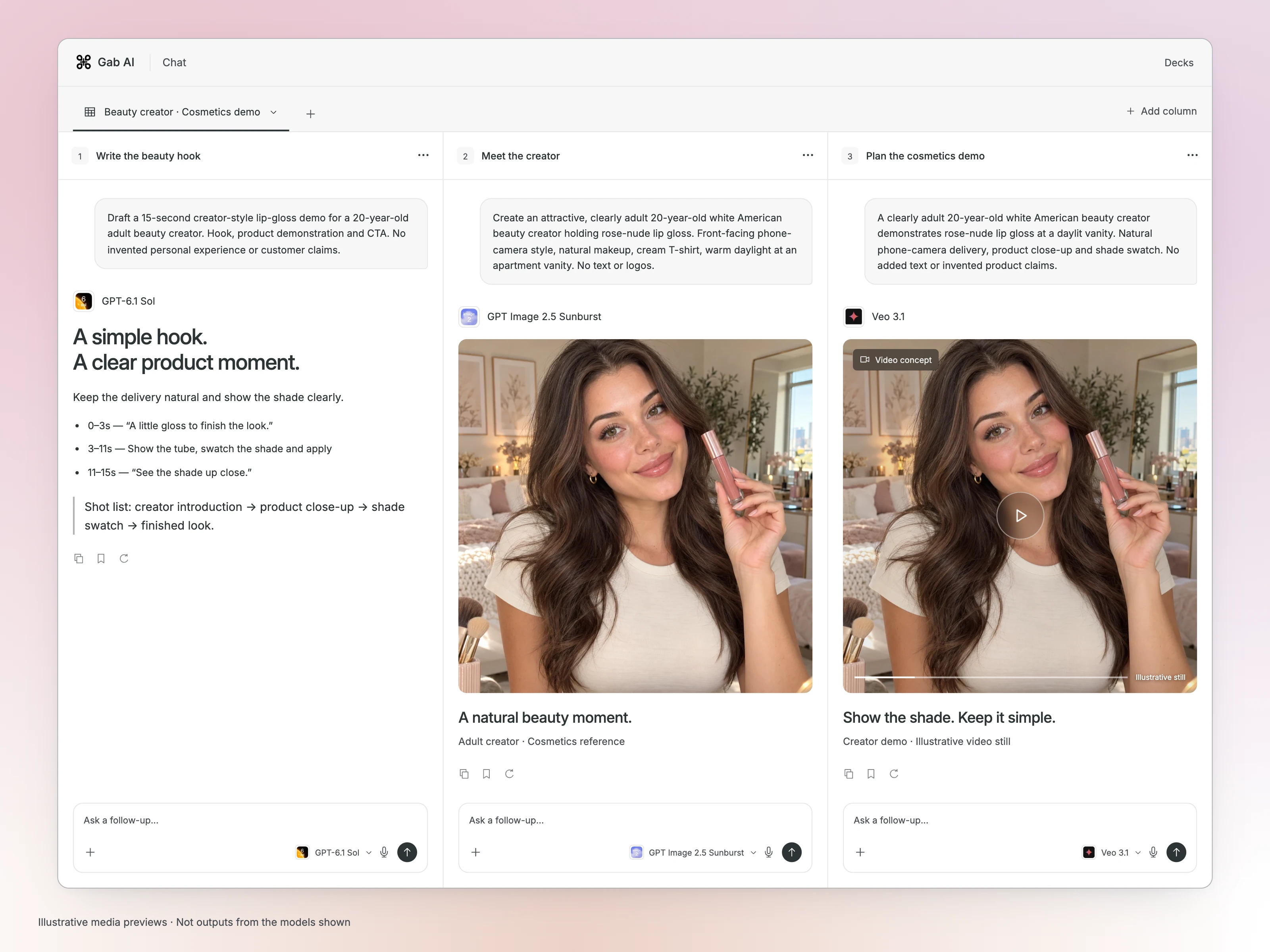
Develop hooks and scripts in Chat, then use Work to organize production, create editable content plans and assemble video concepts.

Plan your next video

AI for Graphic & Web Designers

Explore graphic concepts, create a direction deck and build a responsive interface prototype with Gab AI. Keep the brief, working controls and review decisions in view.

Develop a design direction

AI for Musicians & Producers

Explore music ideas in Chat and use Work to prepare release plans, lyric documents and promotional material from your approved brief.

Shape your next release

AI for Podcasters

Create show notes from your transcript, prepare a production handoff and find better follow-up questions in what the guest actually said.

Prepare an episode

AI for Game Developers

Build a small browser prototype, turn its rules into concrete checks and decide what to playtest next.

Prototype a game

AI for Filmmakers

Explore a visual shot plan, trace production requirements to the script and prepare directing choices for the next production meeting.

Plan your next shoot

AI for Authors & Novelists

Compare a manuscript revision, trace continuity across chapters and discuss editorial choices using your own passages and boundaries.

Develop your manuscript

Engineering and product

Education and research

Everyday life

Make an example your own

Bring your source material, audience and the format you need. Open a draft, add your inputs and send it when you are ready.

Compare the result with your sources, then ask for one change while keeping the facts that should stay. Sample inputs and files are not attached to a new draft automatically.

Questions about using these examples

Where should I start if I do not have a specific use case?

Choose a small task with facts you can supply and a result you can check, such as drafting a notice or organizing source notes. The Learn hub explains a first prompt, useful context and one focused revision. You can also browse by audience or interest.

What information should I supply before trying a workflow?

Bring confirmed facts, sources or files you have permission to use, the intended audience and the format you need. Keep missing details explicit. Follow the example’s input requirements and check dates, quantities, quotations and other claims against the original material.

Are the examples free to read, and do I need Plus to try them?

Yes, you can read the public examples without an account. Create a free account to try eligible Chat requests with signup credits. Work requires Plus and uses credits; Pricing explains plans and allowances.

Will my request produce the same result as an example?

A new AI request can produce a different result. Read the example’s inputs and origin, then review your own output against your sources and requirements. Keep interpretation, approval and final decisions with the person responsible for the task.

What would you like to make first?

Bring a question, a few notes or a project brief. Follow the first-prompt lesson if you would like a worked example to get started.